
What this is
Your phone and a hotel door handshake silently. The door learns you are a guest. It never sees your passport, your home address, or your credit card number. You walk in.
That handshake already happened with your bank this morning. It got enough to approve a loan. The bouncer last night got that you are over 21. The new clinic downtown got your allergies and your insurance, not your full medical record. Each one got a different version of you, because each relationship is different. You set the rules once. The rules travel with you.
Universal Manifest is an open specification for that handshake. A portable, signed envelope of context that any compatible system can read, verify, and act on. The web has TCP/IP for packets, HTTPS for encrypted traffic, DNS for names. It never had a layer for permissions between things that meet. This is that layer.
Where it matters
Fifteen scenarios. One protocol.

Smart Glasses & Wearable Social Consent
Read the scenario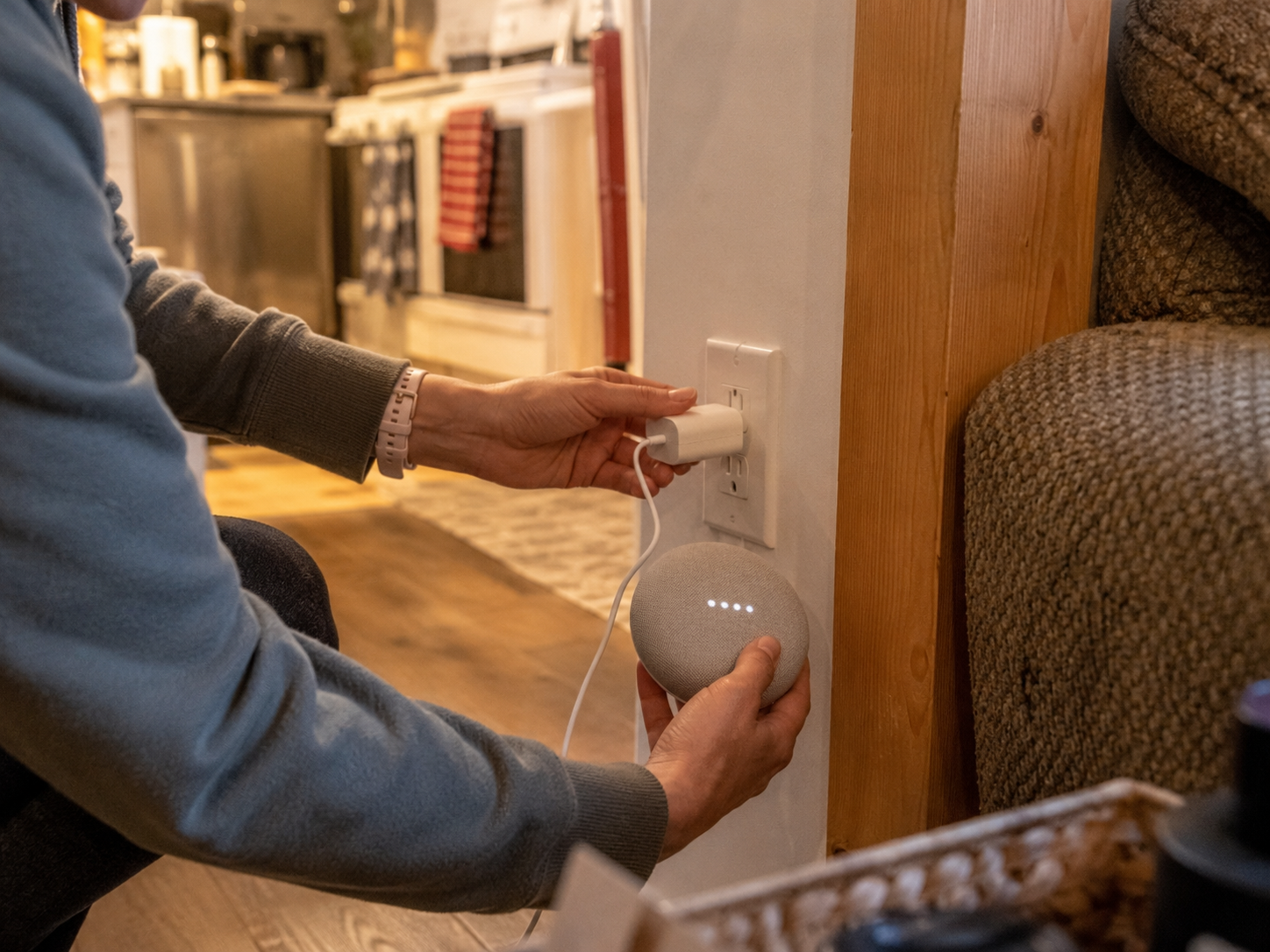
Smart Home
Read the scenario
Healthcare & Emergency Handoff
Read the scenario
Auditable Handshakes
Read the scenario
Permissions and Handshaking
Read the scenario
Education/Career Credentials
Read the scenario
Social Identity Portability
Read the scenario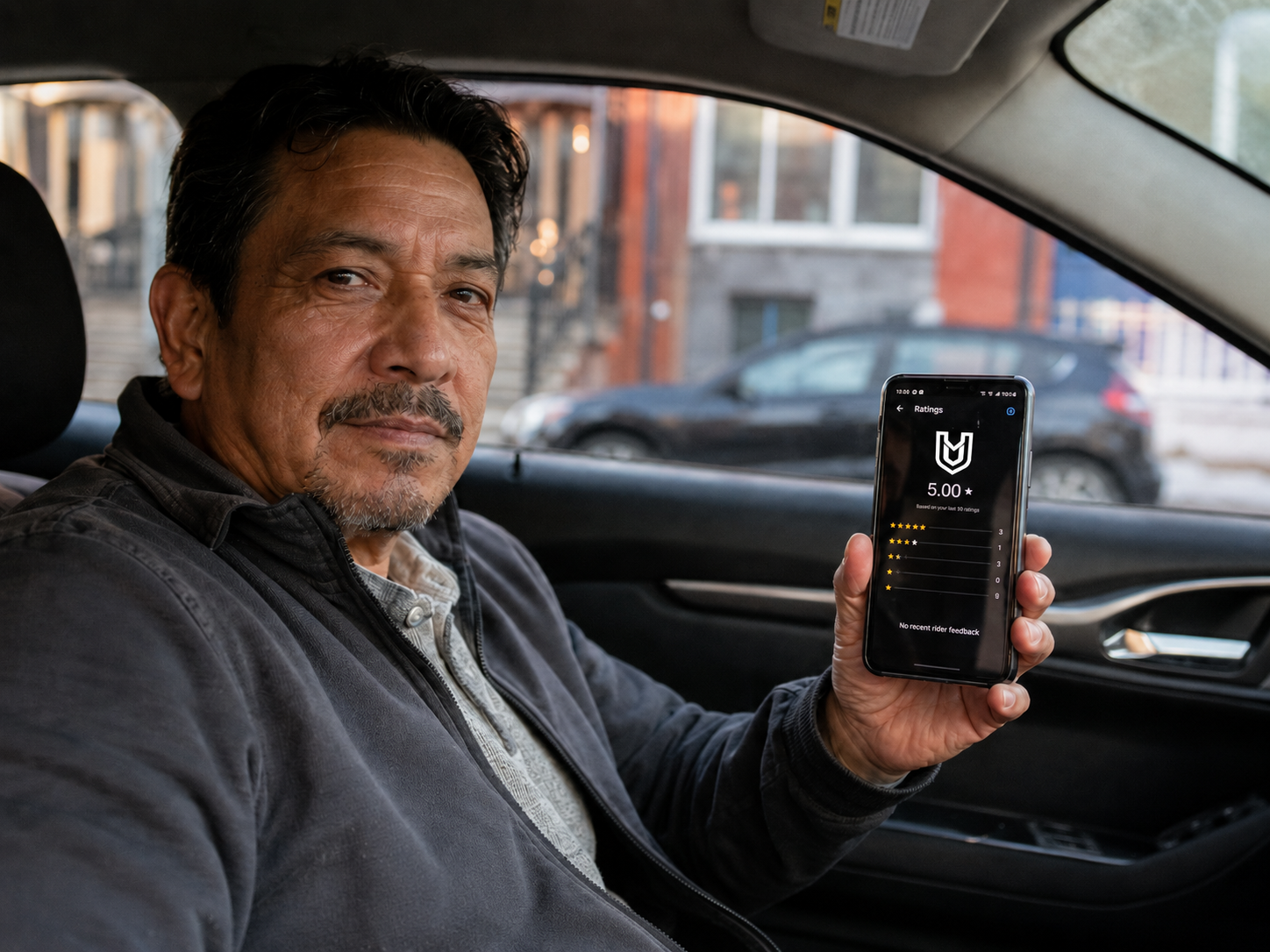
Reputation Portability
Read the scenario
Agent-to-Agent Transactions
Read the scenario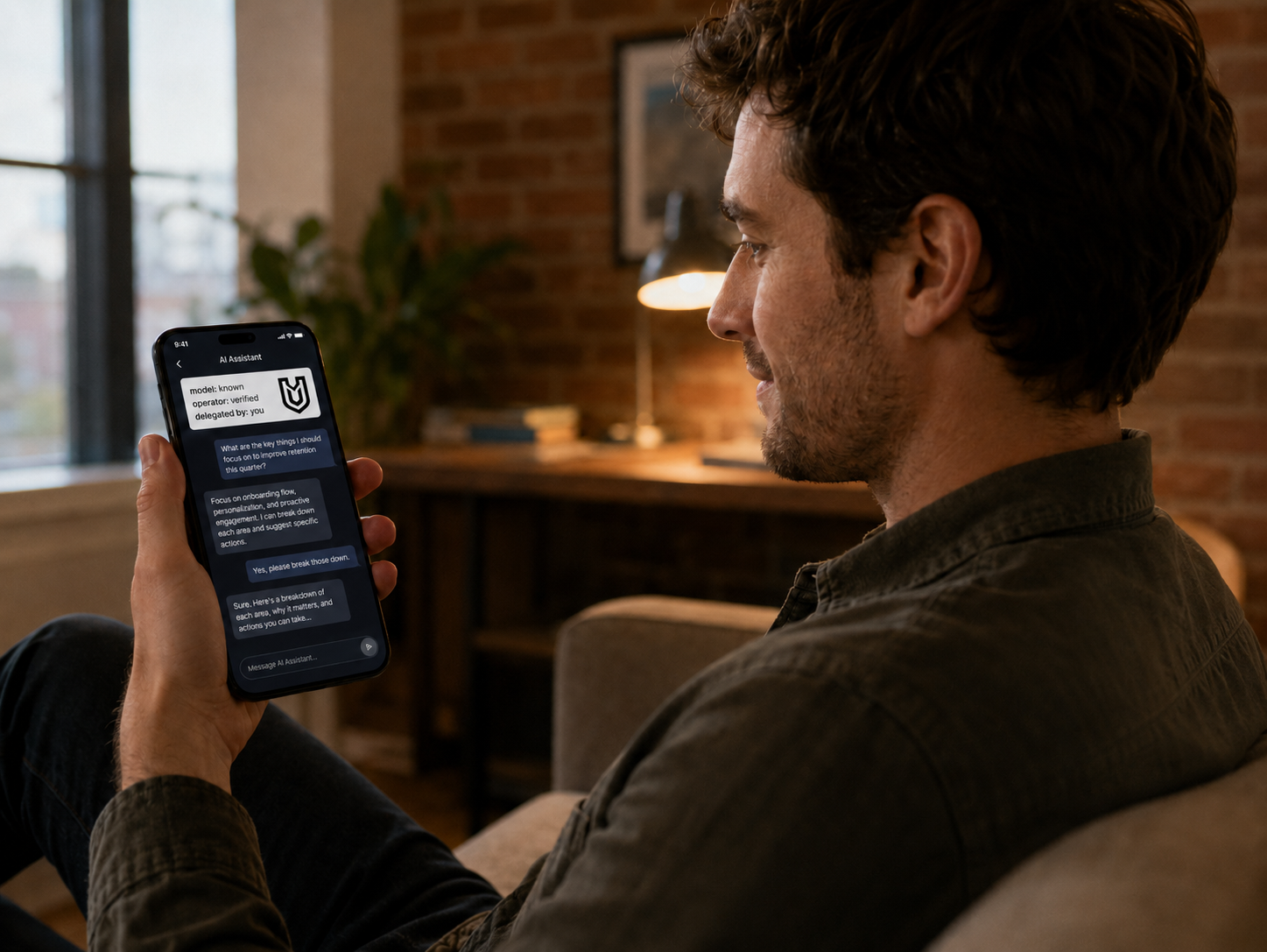
Agent Provenance
Read the scenario
Peer-to-Peer Payments
Read the scenario
Proof of Personhood
Read the scenario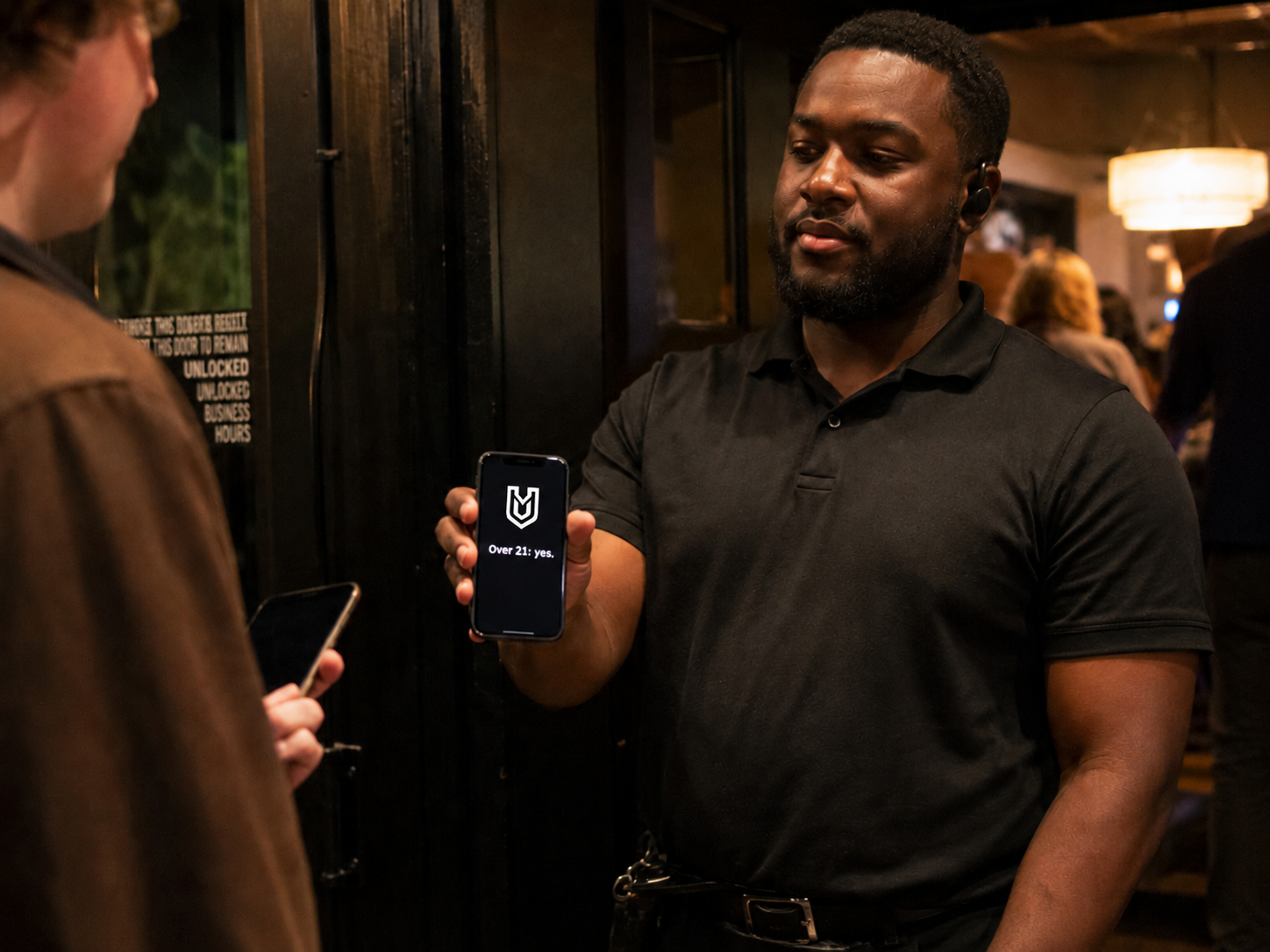
Verifying Someone
Read the scenario
Cross-Platform Interop
Read the scenario
Platform Portaling
Read the scenarioHow it works
Two manifests meet. Both decide.
When two things meet, their manifests evaluate each other independently and in parallel. Each side decides what it accepts, what it rejects, and what falls outside its scope. The handshake is two-way. Asymmetric outcomes are normal. And every exchange produces a structured receipt of what actually happened, so trust is verifiable, not faith-based.
For builders
An open spec, not a platform.
Universal Manifest is an open spec, not a platform. It composes with existing standards rather than replacing them. If you already work with verifiable credentials, decentralized identifiers, or privacy-preserving encryption, UM carries and references that work inside a portable envelope with a defined receiver-behavior contract.
The spec is the technical reference for implementers. The Standards Registry shows how UM composes with DID, VC, OID4VP, HPKE, and mDL.
What comes next